
Create an Empty SAPUI5 Project
Start working with the SAP Business Application Studio, and create a new empty UI5 project connected to a data source.
Overview
You will learn
- How to create a new SAPUI5 project that is connected to a data source
- How to run the project in the SAP Business Application Studio


Prerequisites
Prerequisites
Steps
Start a dev space of kind SAP Fiori and open it by clicking its name.

Have a look at this tutorial if you are unsure how to get here or how to create a dev space.
Make sure you are connected to a Cloud Foundry endpoint to which you will deploy the SAPUI5 application later.
First, you need to log on to Cloud Foundry. To do that, start the command palette from the menu View > Command Palette…, search for cf:login, and select the command CF:Login to Cloud Foundry.

cloudFoundryLogin Enter the Cloud Foundry endpoint you want to use. Enter your email and your password to proceed.

connectedEndpoint You might need to select the Cloud Foundry Organization and space you want use. If the Select Cloud Foundry Organization and Select Cloud Foundry Space dropdowns are empty, you can skip this and proceed to the next step. Otherwise, you will see messages in the lower right hand corner indicating that you are connected to the endpoint once these prompts have been answered.
SAP Fiori tools includes an Application Generator that provides a wizard-style approach for creating applications.
First, you need to select the workspace for your project by choosing from menu File > Open Folder and select projects folder.
To launch the Application Generator, start the command palette from the menu item View > Command Palette…, search for
fiori generator, and select the command Fiori: Open Application GeneratorSpecify the template type SAP Fiori and the Basic template and go to the Next screen.

sapui5Template Now you have the option to connect your SAPUI5 application to a data source. Select Connect to an OData Service and enter the following service URL
https://services.odata.org/V2/Northwind/Northwind.svc/before you click Next.
odata Keep the default view name (i.e.
View1) and click Next .Name the module
sapui5, use the application titleTutorial, and define the namespace assap.btp. Choose the Yes option for Add deployment configuration. Keep the default values for the other parameters and select Next to go to the next step.
projectdetails Choose Cloud Foundry as the target runtime and type in the name of the destination you created before:
Northwind. Press Finish to create the new project.
finishProject After the project is generated, the Application Information page will be shown for the project you created. The Application Information page gives you a quick overview of the most essential information for your project. You can find more information on the Application Information page here: https://help.sap.com/viewer/17d50220bcd848aa854c9c182d65b699/Latest/en-US/c3e0989caf6743a88a52df603f62a52a.html.

applicationInfo Verify that all the required files have been generated. It should look like the example below.

generatedFiles
You can keep the Application Information page open as it will be needed later. In case you close it, you can open the Command Palette from menu View > Command Palette…, type
Application Info, and select Fiori: Open Application Info.
Running your application has several advantages over deploying it. Among others, it’s faster, doesn’t require a “build” step and won’t minify your JavaScript codebase.
To run the pre-generated run configuration, switch to the Run Configuration panel on the left-hand bar. Click the Create configuration button and then selection your project
sapui5. Another window will open for further configuration. Selecttest/flpSandbox.htmlfor the File Name for your configuration and then click Save.
runConfigFileName Click on the ▶ icon of the first run configuration to add start the SAPUI5 app.

run A new tab should open that displays a launchpad with sample apps, as well as your
Tutorialapp.
tutorialAppFLP
Click the tile for your Tutorial app. You should see the following page:
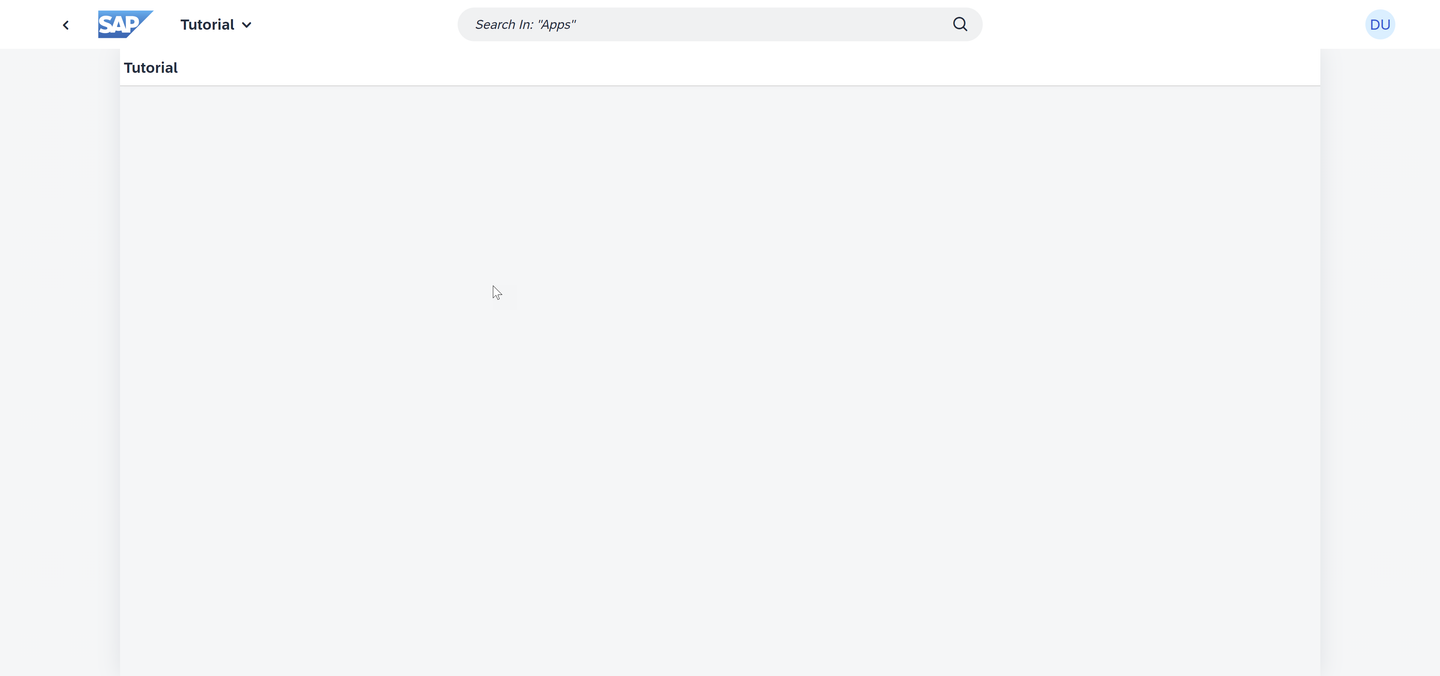
Now you should see your (blank) SAPUI application. Right-click on the web page, and choose Inspect
The inspector will appear. Click on the Network tab to view the network traffic for the application.
To view all the network traffic, reload the page. The network traffic will appear as the page is loading.
Scroll down until you find the $metadata item - or use the filter box to search for it.
NOTE Typing in
metadatato the filter box in the upper right corner will make it easy to find the correct row.Click on $metadata, then click the Preview tab.
This will show you the data coming from the server to the browser. If you see this, the OData request is working. You are ready to move on to the next step of the tutorial.

preview of the data coming from the server
Expand the nodes <edmx:Edmx>, <edmx: DataServices> and the first <Schema> node in the Chrome Network trace.
Resources
Discussion
Share feedback on this tutorial or join the conversation in SAP Community.