
Overview
You will learn
- When you should perform a takeover
- How to perform a takeover with HANA Studio


Prerequisites
Prerequisites
- Tutorials Setting Up SAP HANA System Replication with HANA Studio
- Credentials: Have access to the SYSTEM user of
SystemDBand “<SID>adm” for a SSH session on the HANA hosts.
Steps
During a takeover you switch your active system from the current primary system to the secondary system.
If your primary data center is not available, due to a disaster or for planned downtime for example, and a decision has been made to fail over to the secondary data center, you can perform a takeover on your secondary system. Consider questions like:
A. Can a takeover help at all? YES: Proceed to question B. NO: Do not perform a takeover.
B. Can a takeover reduce downtime duration? YES: Proceed to question C. NO: Do not perform a takeover.
C. Can it be guaranteed that no data loss will result from the takeover? YES: Perform a takeover. NO: Evaluate the risk of data loss in case of takeover against that of data loss in case of no takeover (total hardware failure in primary could result in a much bigger data loss), and against the impact of a longer downtime if you attempt to bring back the primary site instead of performing a takeover.
You can perform a takeover on your secondary system using the SAP HANA studio.
In the Systems Panel, right-click the secondary system and choose Configuration and Monitoring > Configure System Replication.

Choose Perform Takeover and click Next.

Confirm the default details of your Secondary System’s host. Click Next.

You can review the overall configuration details. If they match what you entered/left default, click Finish.

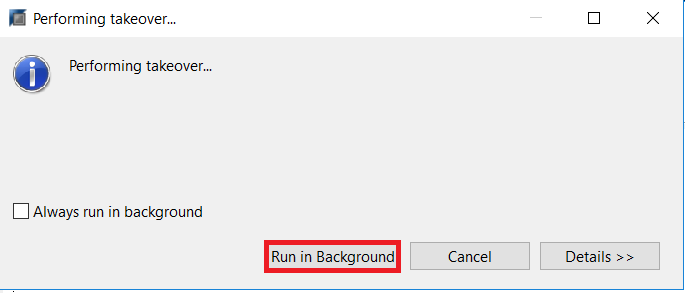
The takeover will now proceed. You can select Run in background while the takeover is happening.
The secondary system is now the production system. If the system is already running, it comes out of recovery mode and becomes fully operational immediately: it replays the last transaction logs and starts to accept queries. If the system is offline, it takes over production operation when you start it.
Resources
Discussion
Share feedback on this tutorial or join the conversation in SAP Community.