
Setup Generative AI Hub Basic Trial
You will learn how to access your Generative AI Hub Basic Trial environment.
Overview
You will learn
- How to access the Generative AI Hub Basic Trial
- How to navigate to SAP AI Launchpad and use Generative AI Hub
- Where to find your trial environment


Prerequisites
Prerequisites
- An SAP account - If you don’t have one, sign up for a free account
Steps
Description
This tutorial will guide you through the steps to access your Generative AI Hub Basic Trial environment. The trial provides a hands-on experience with Generative AI Hub and SAP AI Launchpad.
Register for the Generative AI Hub Trial at: https://www.sap.com/products/artificial-intelligence/generative-ai-hub-trial.html

At the end of the registration process, you should receive a username and password to use in the following exercises.

You should also receive an email with the same information.

Click Start your basic trial!
On the login page, use the username and password you received.
Upon successful login, you should see a workbook titled SAP Generative AI Hub with AI Launchpad, Orchestration and Document Grounding.
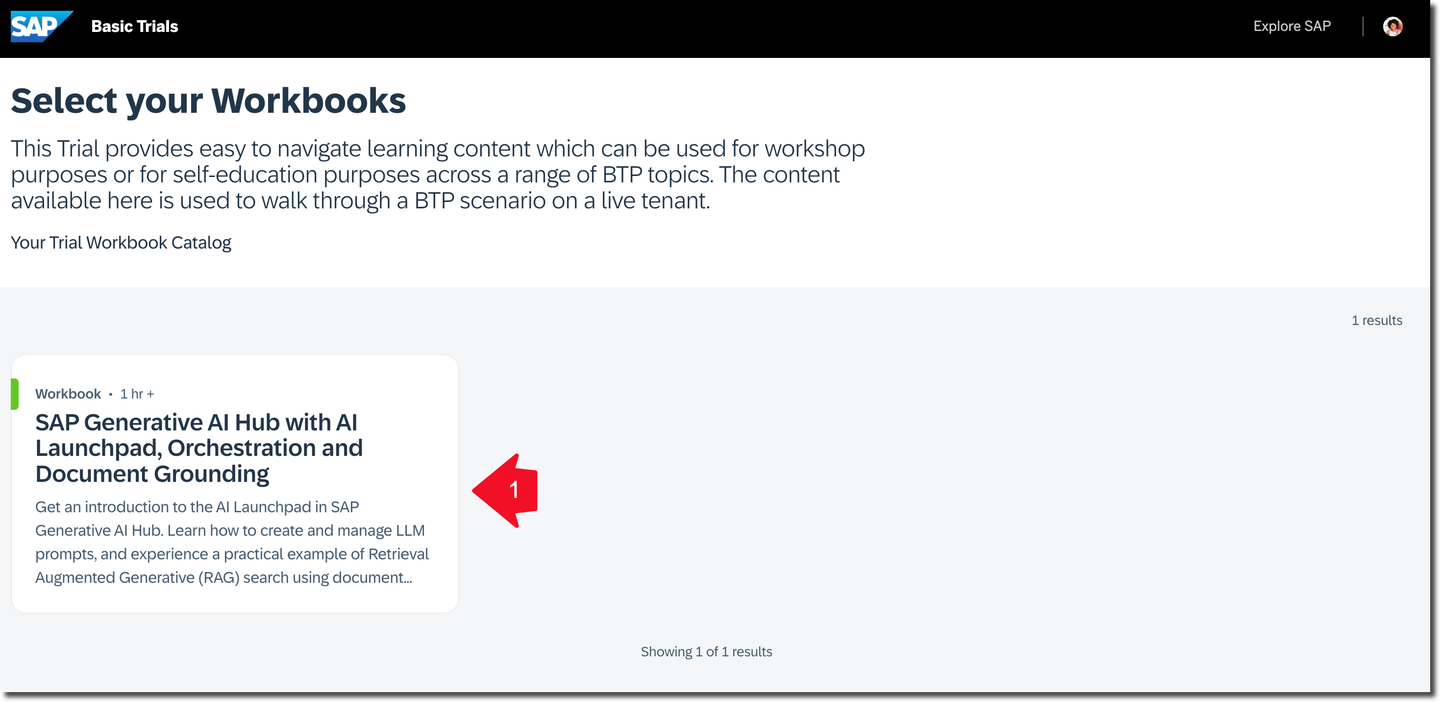
Click it to open the workbook.
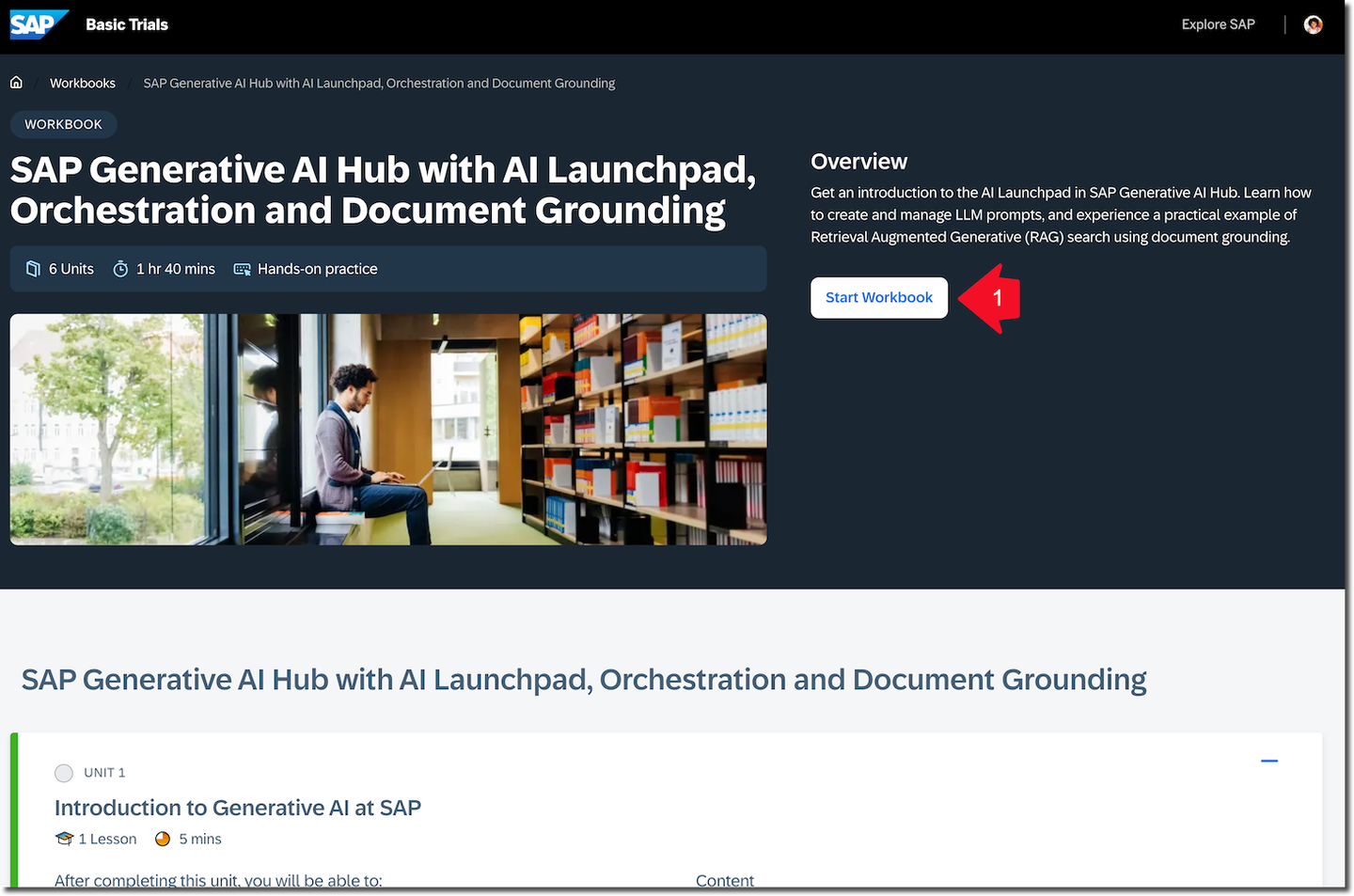
Click Start Workbook.

This workbook includes multiple exercises feel free to do them all. To finish this tutorial you need to do the exercises Using SAP AI Launchpad and SAP Generative AI Hub Orchestration Service.
Good news: You have access to this user account and workbook for 30 days from the registration date. You can complete the other exercises after finishing this tutorial.
Congratulations! You have explored Generative AI Hub and SAP AI Launchpad.
Answer the validation question, and remember you can keep working on other exercises during the 30 days following registration for the Generative AI Hub basic trial.
Resources
Discussion
Share feedback on this tutorial or join the conversation in SAP Community.