
Overview
You will learn
- How to build a multi-target application (MTA).
- How to deploy a multi-target application to Cloud Foundry.


Prerequisites
Prerequisites
- You have previously created a SAPUI5 based project in the SAP Business Application Studio.
Steps
Build (aka package) the project to an .mtar archive to deploy it to Cloud Foundry.
Right-click on the
mta.yamlfile and select Build MTA Project to trigger this process.
build Once the build is finished, you can see a message in the log. You can now find the generated
.mtararchive in the project tree in themta_archivesdirectory.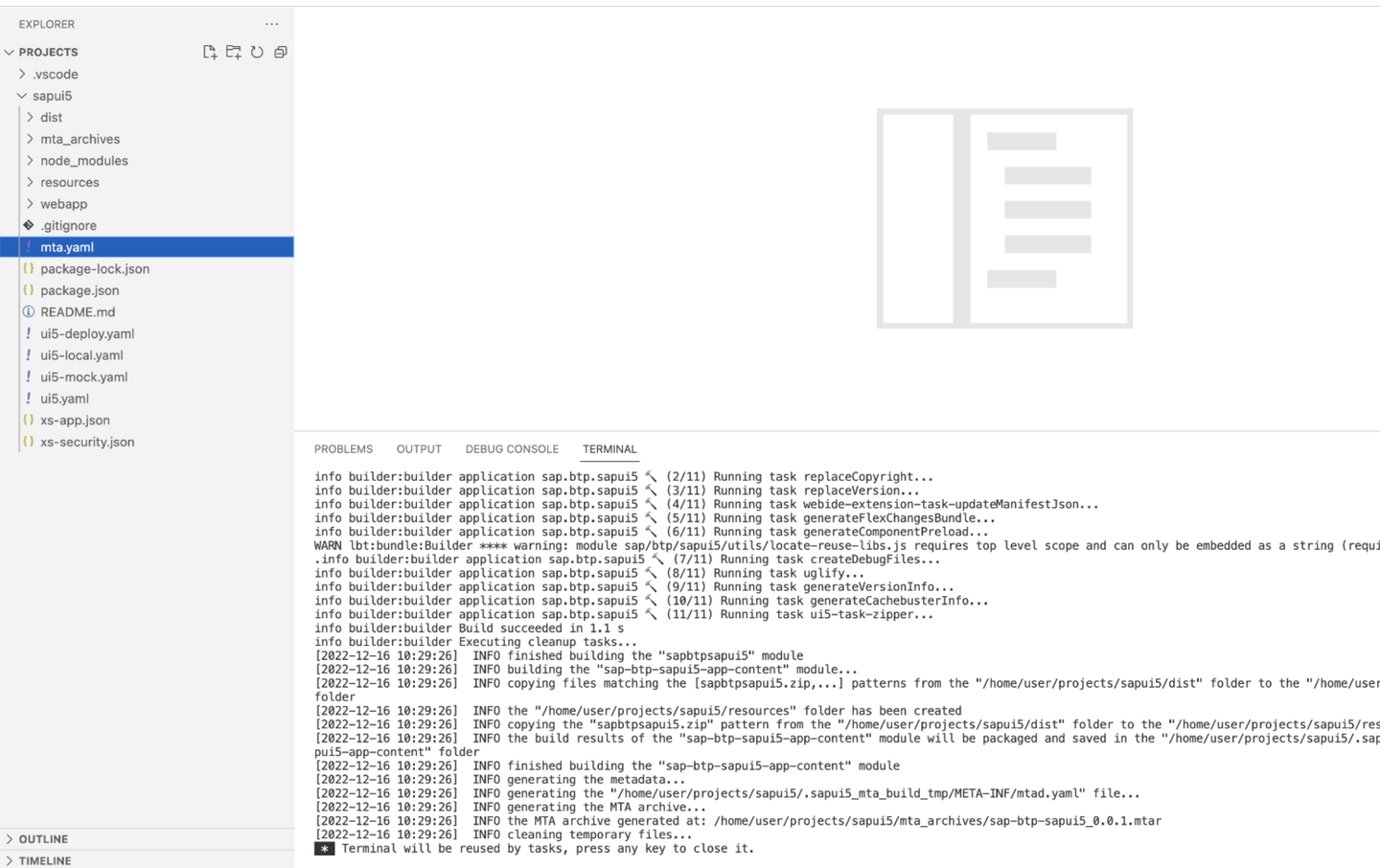
buildSuccessMessage
If you don’t have the Application Info page open, you can open the Command Palette from menu View > Command Palette, type Application Info, and select Fiori: Open Application Info. Click on the Deploy Application tile to start deployment process.

deploy Once the process is finished, you can get the URL of the deployed app by running
cf html5-list -u -di sapbtpsapui5-destination-service -u --runtime launchpadin a new terminal session.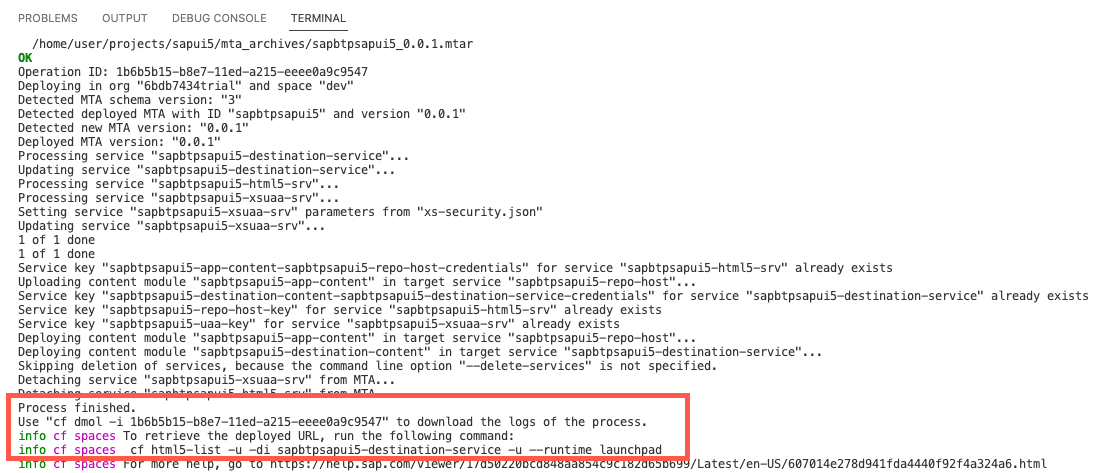
cfapps Use the following command in case you use the Portal service
cf html5-list -di sapbtpsapui5-destination-service -u --runtime cppFollow the link in the console to open the application in your browser. You might need to log in with your SAP ID (the same credentials you use for the SAP BTP Cockpit).
Resources
Discussion
Share feedback on this tutorial or join the conversation in SAP Community.