
7 - Test the Shipping Agent
Use the private environment to test the shipping agent.
Overview
You will learn
- How to test an agent


Prerequisites
Prerequisites
- You have completed the previous tutorial in the Joule Studio CodeJam Mission, Create Agent to Coordinate Skills.
Steps
Open your project, and make sure it is saved.
Click Test.

Start test In the Test Project dialog, enter the following:
Field Value Environment Select the private environment for your user’s email address PostToGTT Select gttwriteservice GetFromGTT Select gttGetService Click Continue.

Test variables
A test Joule interface will open up, letting you talk with your skills and agents in the project.
In Joule, enter the following:
ShellHello Joule, Could you please assist me in creating a Shipment ?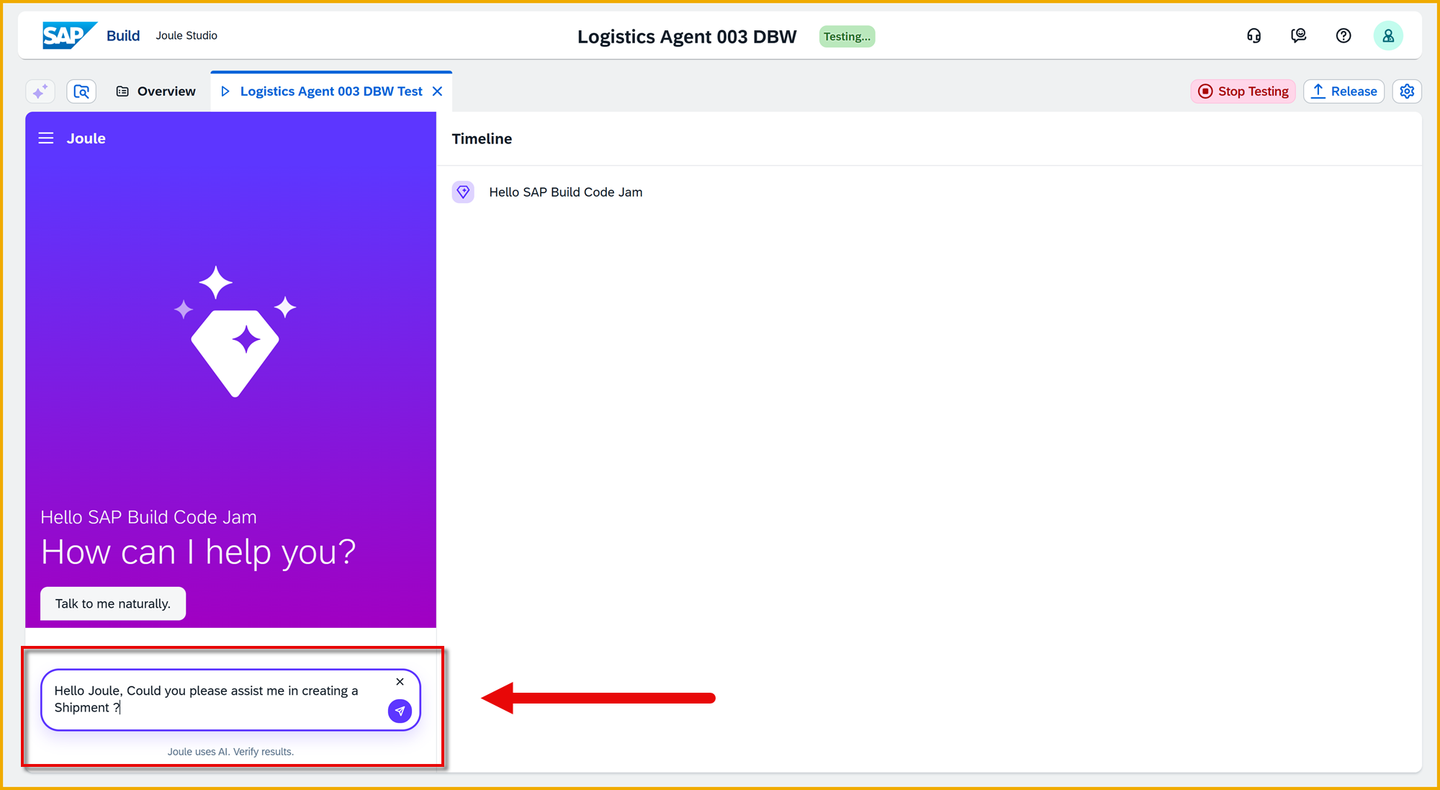
Prompt 1 Result: Joule Requests shipment details: Shipment ID, Source Location, Destination Location, Pick-up Date.

Prompt 1 response Provide the requested inputs by entering something like the following – change the shipment ID:
Important: Replace
<UserID>and<Initials>with your user number and your initials.ShellShipment ID: 91001<UserID><Initials> Source Location: SFO Destination Location: NYC Pick-up Date and Time: December 15, 2025 5:00:00 PM CETResult: Joule will report that it created the shipment, something like this:

Shipment created Ask Joule for suggested carriers and prices by entering the following:
ShellSuggest the best carriers from SFO to NYCResult: Joule proposes the carriers based on the carrier rates document from our document grounding.

Suggested carriers Ask Joule to update the shipment by entering the following:
Important: Change
<Shipment ID>with the your shipment ID.ShellUpdate the Shipment ID <Shipment ID> with the carrier DHL. All other values remain the sameResult: Joule responds with the success message you created earlier for updating shipments.
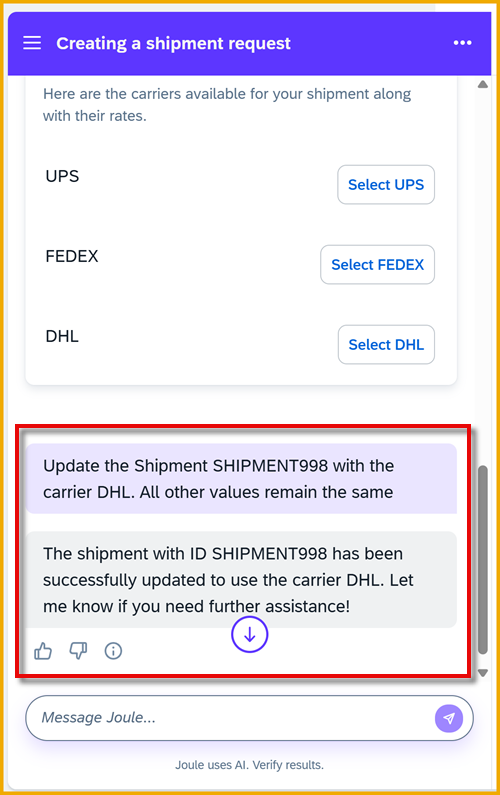
Update shipment Ask Joule to track your shipment by entering the following:
Important: Change
<Shipment ID>with the your shipment ID.ShellI want to track the shipment <Shipment ID>Result: Joule responds with tracking info of the shipment in the GTT system.
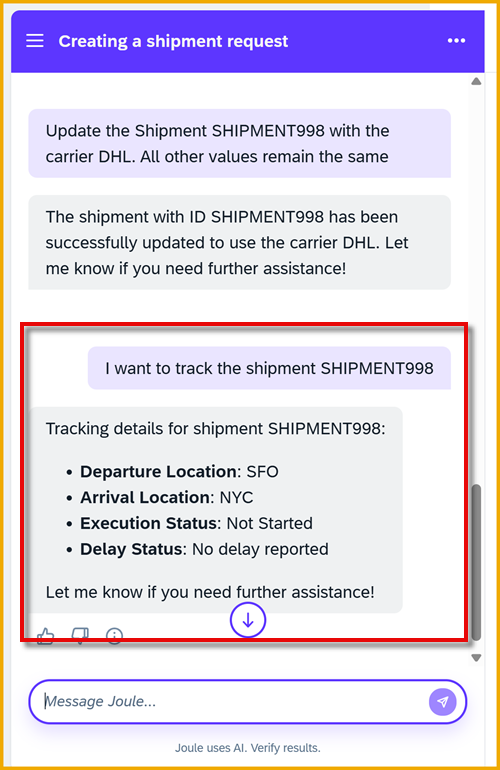
Track shipment Ask Joule for a list of delayed shipments by entering the following:
ShellI would like to find all the delayed shipmentsResult: Joule responds with a list of shipments with delayed status in the GTT system.

Delayed shipments Click Stop Testing.
What is the disadvantage of the current way document grounding is made accessible in Joule Studio?
Responses can be constant for skills. How do we do that?
Responses are not constant for agents. Why?
Resources
Discussion
Share feedback on this tutorial or join the conversation in SAP Community.