
Overview
You will learn
- What Postman environments and collections are and how to use them
- How to adjust the Postman environment for your service instance
- How to import Postman environments and collections


Prerequisites
Steps
Intro
In the following tutorials, Postman is used to communicate and interact with your Service Ticket Intelligence service instance. Postman is an API client used to call APIs. For more information, see Postman.
If you have downloaded locally the Postman environment and collection sample files from the Set up account for Service Ticket Intelligence booster, as detailed in Use Free Tier to Set Up Account for Service Ticket Intelligence and Download Postman Sample Files, you can set steps 1 and 2 to Done and proceed with Step 3.
Postman offers the option to add environments. Environments represent key-value pairs which can be reused in requests, so you don’t have to remember them. For more information, see Postman Environments.
In step 5, you are going to use this feature to store your service key details obtained in Use Free Tier to Set Up Account for Service Ticket Intelligence and Get Service Key and reuse them in your requests to your service instance.
Make a local copy of the Postman environment sample file for Service Ticket Intelligence available on GitHub:
Open the environment sample file.
Click Raw.

Postman Right click and then click Save as to download locally the JSON file.

Postman
Collections let you group requests together and save them for later use. This helps with the organization of requests as well as sharing requests. For more information, see Postman Collections.
Make a local copy of the Postman collection sample file for Service Ticket Intelligence available on GitHub:
Open the collection sample file.
Click Raw.

Postman Right click and then click Save as to download locally the JSON file.

Postman
Open Postman and click Import to open the import dialog.

Postman Drag and drop the Postman collection and environment JSON files in the import dialog. Click Import.

Postman
A message appears to inform you about the successful import.
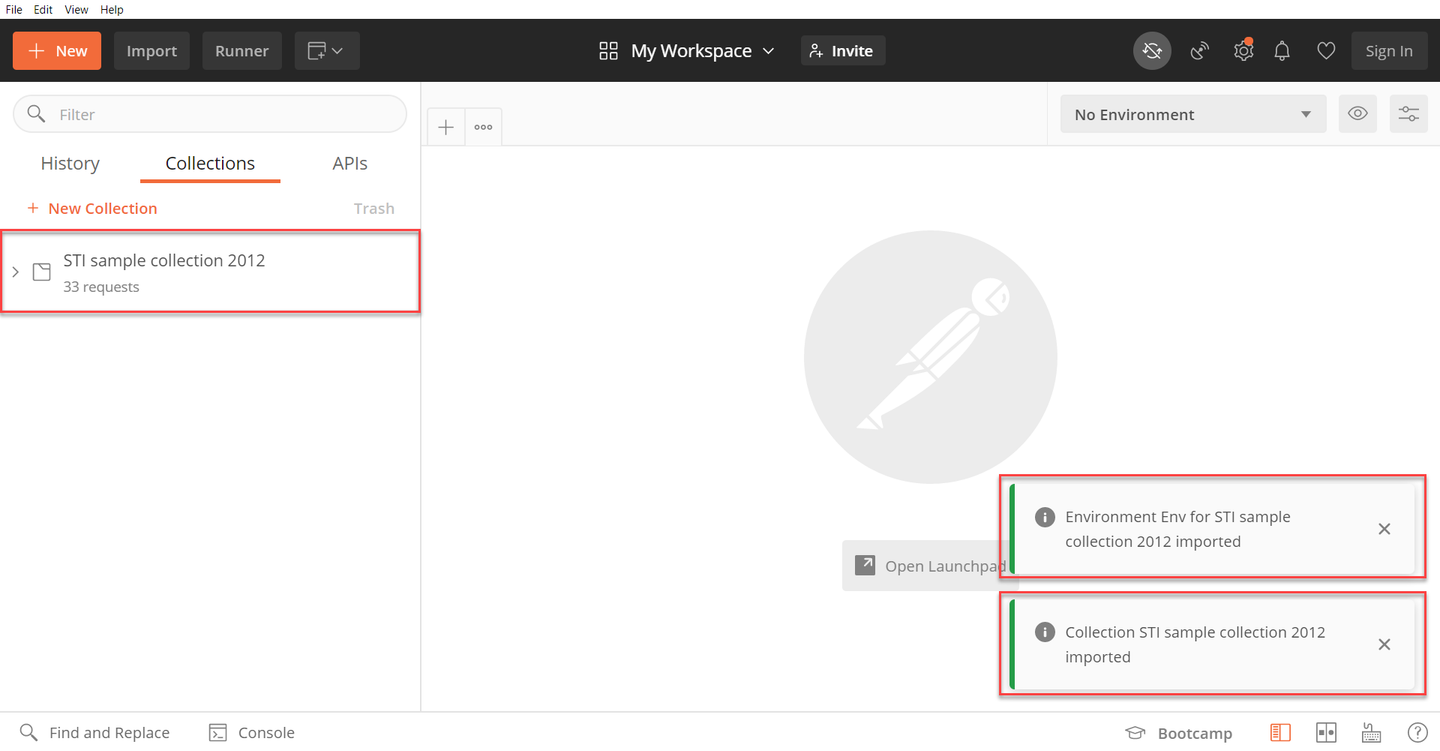
After you have imported the collection, it will appear on the left. As previously explained, the folder STI sample collection 2012 contains requests which you can use to call the Service Ticket Intelligence APIs.
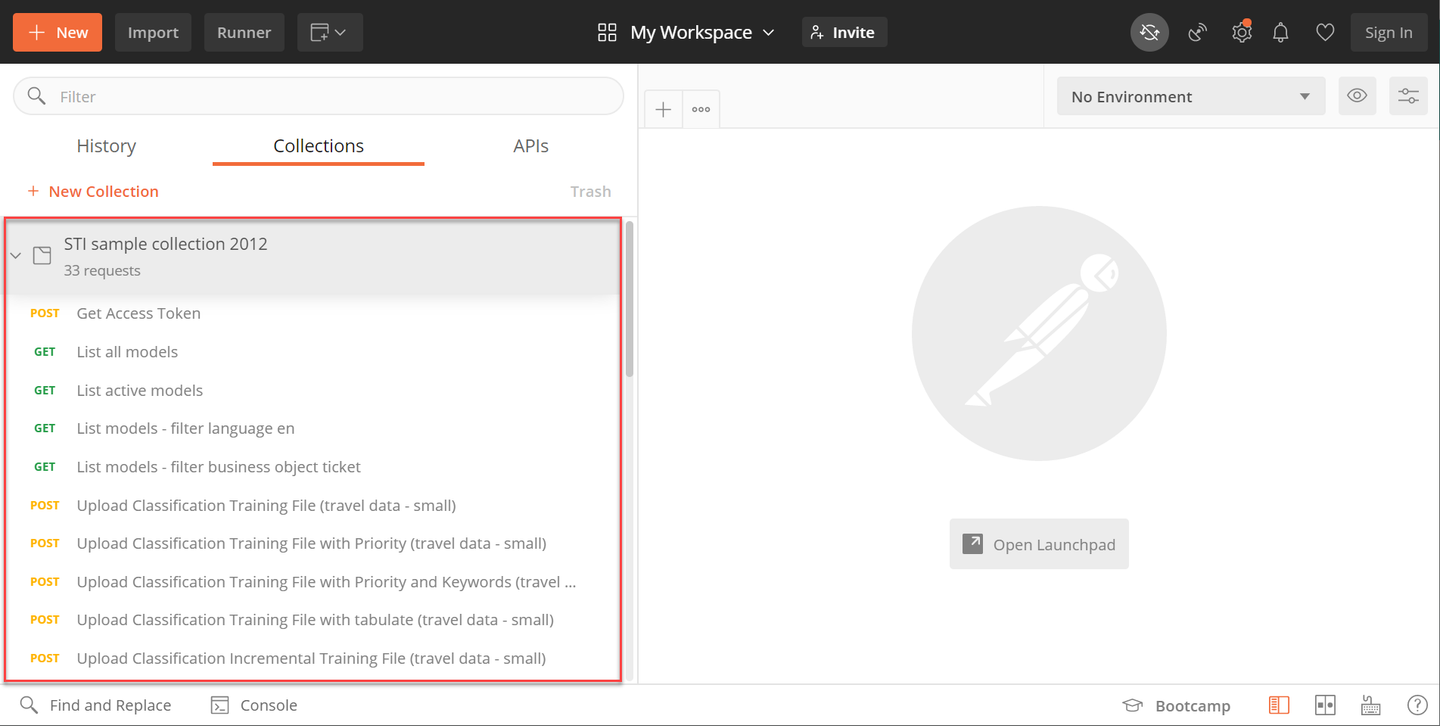
You have successfully imported the Postman environment and collection for Service Ticket Intelligence.
Env for STI sample collection 2012 now shows up in the environment dropdown menu.

Select it to be able to use the requests in the collection.

If you are using the Postman environment and collection sample files from the Set up account for Service Ticket Intelligence booster, as detailed in Use Free Tier to Set Up Account for Service Ticket Intelligence and Download Postman Sample Files, your service key details have already been entered in the Postman environment sample file. You can set this step to Done and proceed with the next tutorial: Use Service Ticket Intelligence and Postman to Classify Service Requests.
Click Environment quick look.
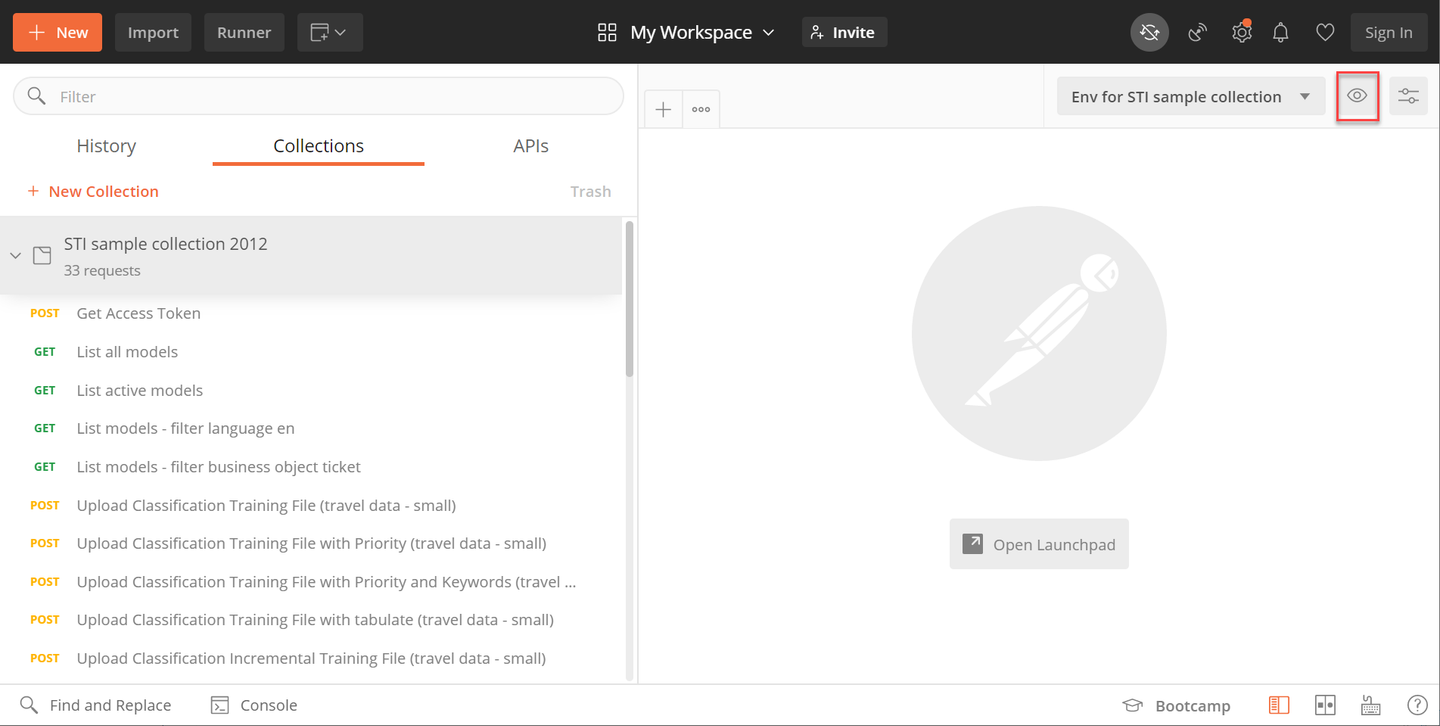
Postman Click Edit.

Postman As detailed in the images below, enter the following values from your service key (obtained in Use Free Tier to Set Up Account for Service Ticket Intelligence and Get Service Key) into the corresponding spaces of the Manage Environments dialog box:
Service key value Postman variable url(inside theuaasection of the service key)uaa_urlsti_service_url(outside theuaasection of the service key)sti_service_urlclientid(inside theuaasection of the service key)client_idclientsecret(inside theuaasection of the service key)client_secret
Postman 
Postman Click Update.

Postman Click X.

Postman
Now the Postman environment and collection are ready to be used in the next tutorial: Use Service Ticket Intelligence and Postman to Classify Service Requests.
Resources
Discussion
Share feedback on this tutorial or join the conversation in SAP Community.